🛒 Shop Original Artwork
Own a piece of artistic excellence - Purchase your favorite pieces

Abstract Dreams
Original canvas painting featuring mesmerizing purple hues and geometric forms. 24" x 24"
$350.00
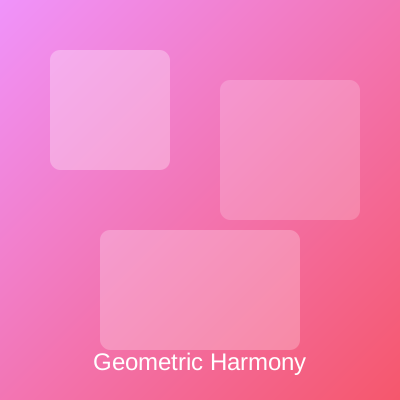
Geometric Harmony
Vibrant geometric composition in pink and red gradients. Perfect modern statement piece. 30" x 30"
$425.00
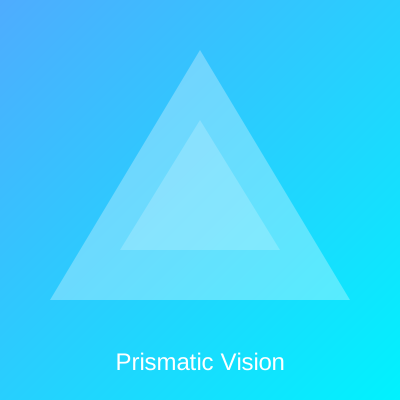
Prismatic Vision
Stunning triangular artwork in ocean blue tones. Brings calm and sophistication. 20" x 30"
$275.00
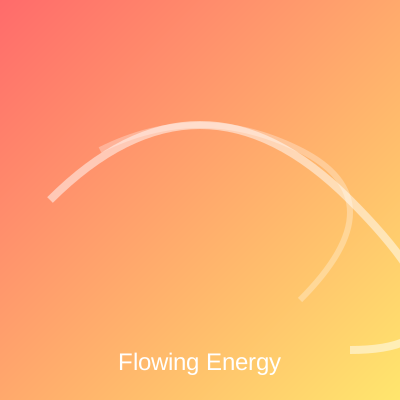
Flowing Energy
Dynamic curves flow across warm gradients. Represents movement and vitality. 24" x 36"
$400.00
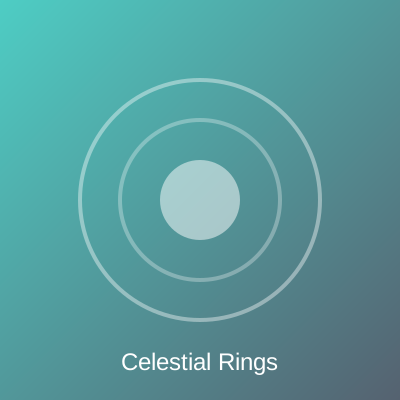
Celestial Rings
Concentric circles in beautiful turquoise tones evoke cosmic harmony. 24" x 24"
$325.00
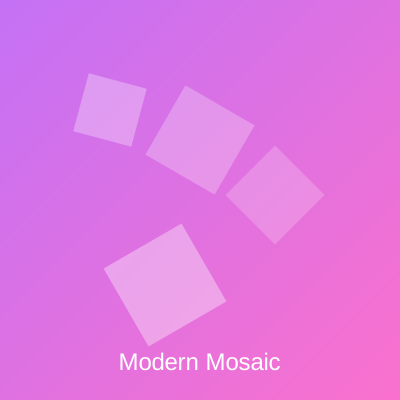
Modern Mosaic
Contemporary rotated squares in vibrant purple and pink. Bold and beautiful. 30" x 30"
$450.00
💳 Stripe Payment Setup Instructions
Step 1: Create Stripe Account
- Go to stripe.com and create an account
- For testing, you can use Stripe Test Mode
Step 2: Create Products & Payment Links in Stripe
- Go to Products in your Stripe Dashboard
- Create a product for each artwork with pricing
- Click "Create payment link" for each product
- Copy the payment link URL (starts with
https://buy.stripe.com/test_for test mode)
Step 3: Configure This Website
- Find the
STRIPE_PAYMENT_LINKSobject in the JavaScript below - Replace each placeholder URL with your actual Stripe Payment Link
- Payment Links are the easiest way to integrate Stripe without a backend server
- Configure success and cancel URLs in the Stripe Payment Link settings
Test Mode Credentials:
- Test Card: 4242 4242 4242 4242
- Expiry: Any future date (e.g., 12/34)
- CVC: Any 3 digits (e.g., 123)
- ZIP: Any 5 digits (e.g., 12345)
⚠️ Current Status: The Stripe integration uses placeholder Payment Links. Create Payment Links in your Stripe Dashboard and replace them in the JavaScript code below to activate real payment processing.
💡 Recommended: Use Stripe Payment Links for the easiest setup without needing a backend server. Each button will redirect to Stripe's hosted checkout page.